

Phone Number
- Open the Parimatch app and tap Login.
- Select the Phone tab at the top of the login screen.
- Enter your registered Indian mobile number (+91).
- Enter your password and tap Sign In.
The fastest way to access your Parimatch account in India is through the app — tap the Login button, enter your credentials, and you are inside in seconds. The app supports three sign-in methods: Phone number, Email, and Google account. Biometric login via Face ID and fingerprint is available for returning players on supported Android and iOS devices. Indian players can get Parimatch apk download for Android directly from the official page — the login experience in the app is faster and more secure than any browser version.
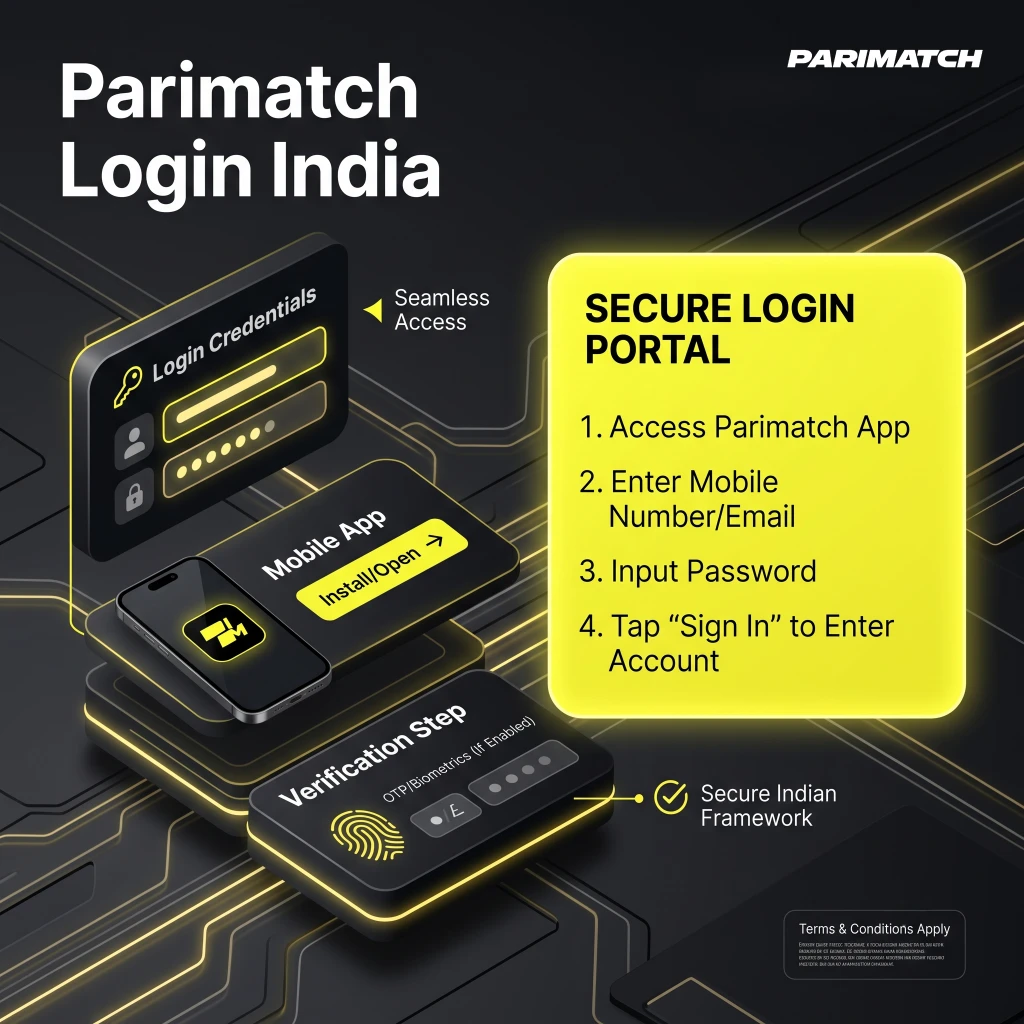
The Parimatch app supports three login methods for Indian players. Choose the one that matches how you registered.


All three methods deliver the same full account access — Sports, Casino, Wallet, Bonuses, and Support are all available immediately after signing in.
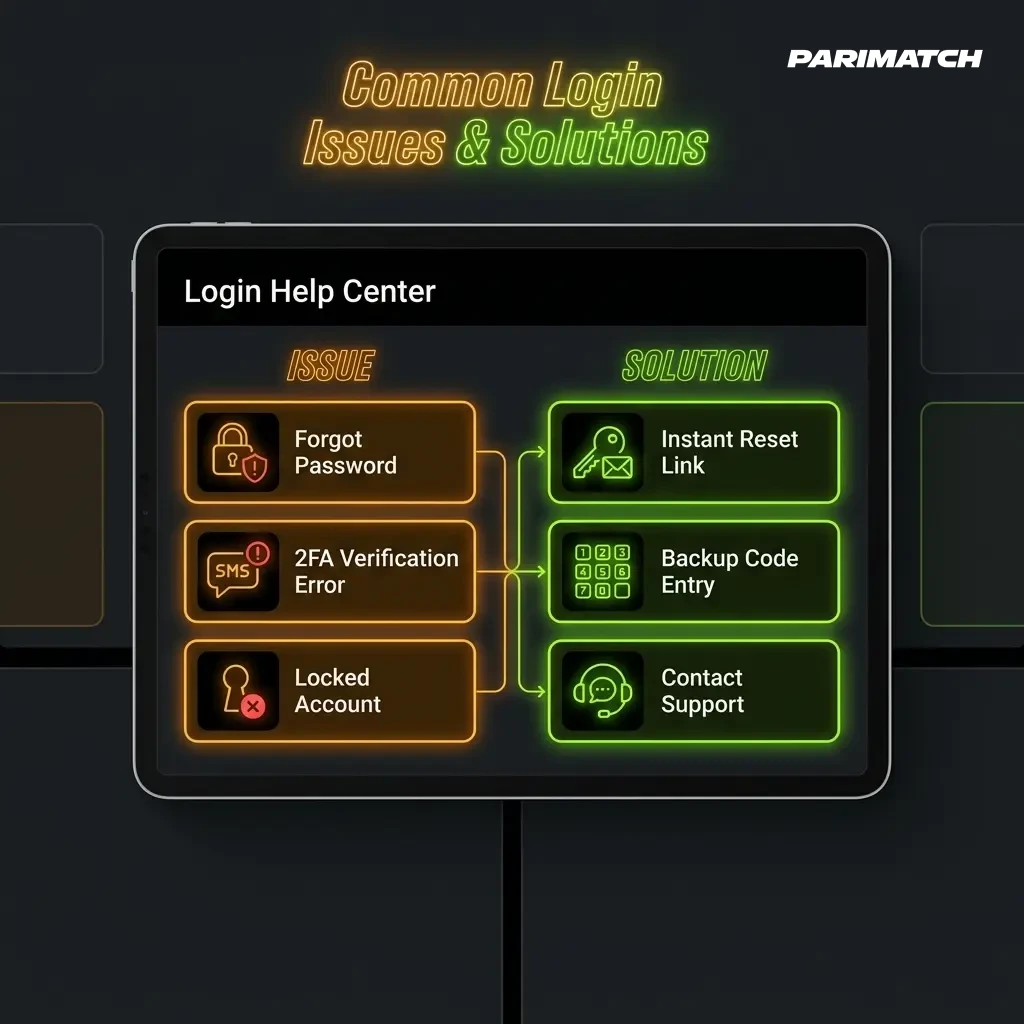
If you cannot access your Parimatch account in India due to a forgotten password, reset it directly inside the app in two steps.
The reset code expires within a few minutes — complete the process immediately after requesting it. If you did not receive the SMS or email, check your spam folder or contact support via Live Chat inside the app.
Most Parimatch login problems in India have a quick fix. Check the list below before contacting support.
Open the Parimatch app and tap Login. Choose your sign-in method — Phone number, Email, or Google account — enter your credentials and tap Sign In. The app is available as an Android APK and iOS PWA.
Parimatch does not have a separate browser login page for India. All account access is handled through the official app — Android APK or iOS PWA. Tap the Login button inside the app to sign in.
Tap Forgot Password on the login screen inside the app. Enter your registered phone number or email address, receive a verification code, and create a new password. The process takes under two minutes.
Common reasons include an incorrect password, wrong login method selected, or an unstable internet connection. Clear the app cache on Android or reload the PWA in Safari on iOS. If the issue persists, contact support via Live Chat inside the app.
Yes. The app keeps you logged in between sessions on your device. For faster access, enable biometric login in Profile Settings — supported on most Android fingerprint devices and iPhone X and above.
Yes. All login sessions are protected by 128-bit SSL encryption under Curacao license No. OGL/2024/1329/0629. The app uses rate limiting and device checks to prevent unauthorized access to your account.
Comments